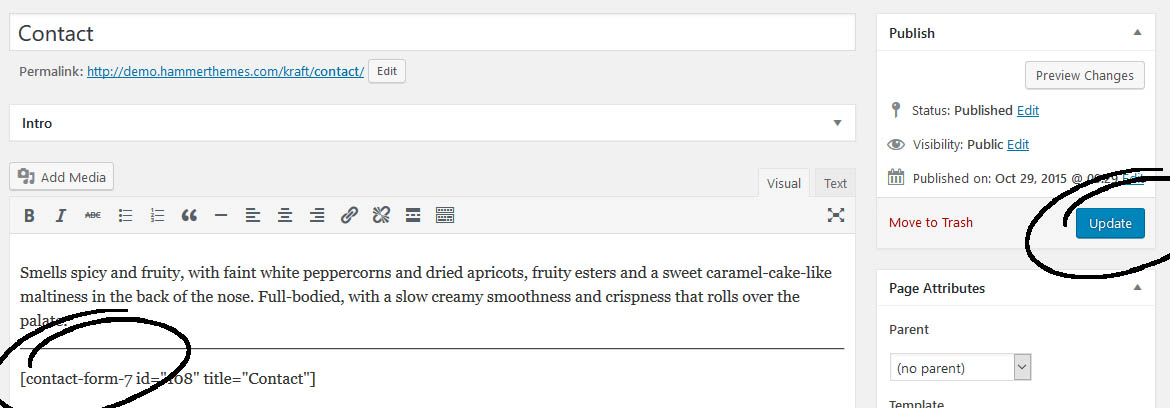
Setting up Contact Page
We use and recommend Contact Form 7 plugin to display the forms in our themes.
- Install and Activate the contact form 7 plugin, go to Dashboard → Plugins → Add new. If you haven’t already installed the plugin, use the search box on plugins page to find the plugin.
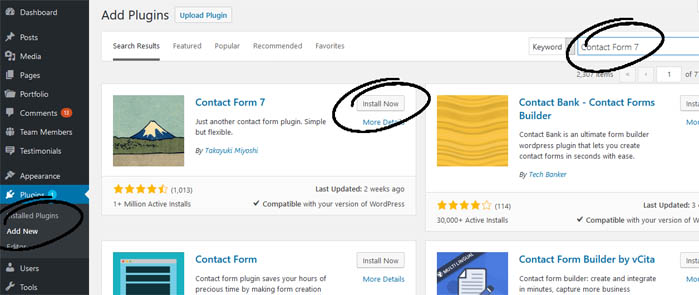
- Click the Activate button.

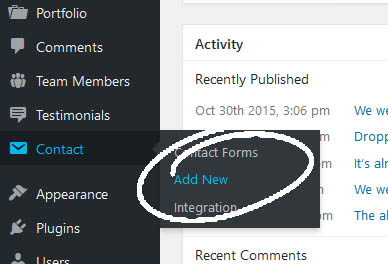
- Once you have activated the plugin, it will add a contact menu in your navigation. Click on the contact menu → Add New.
- Add the title on the contact for page and click save button.
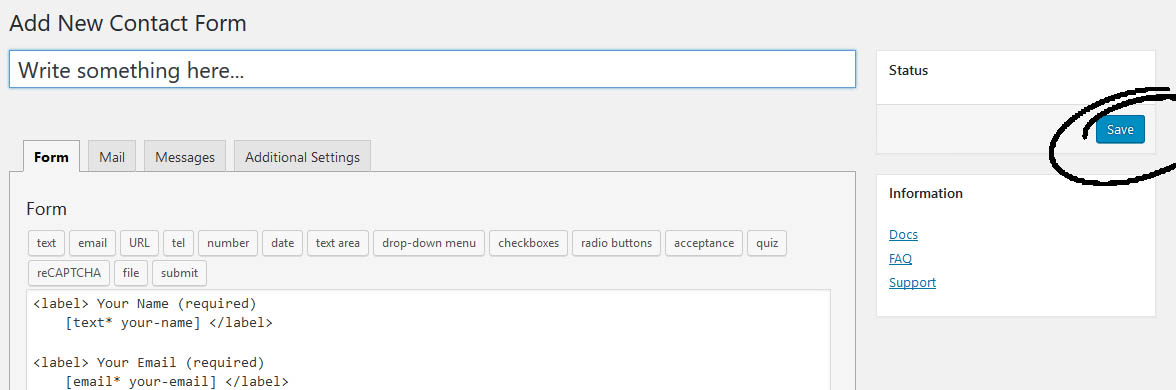
- Once you click the save button, a shortcode (starts with [contact form7 id] will appear below the title area.
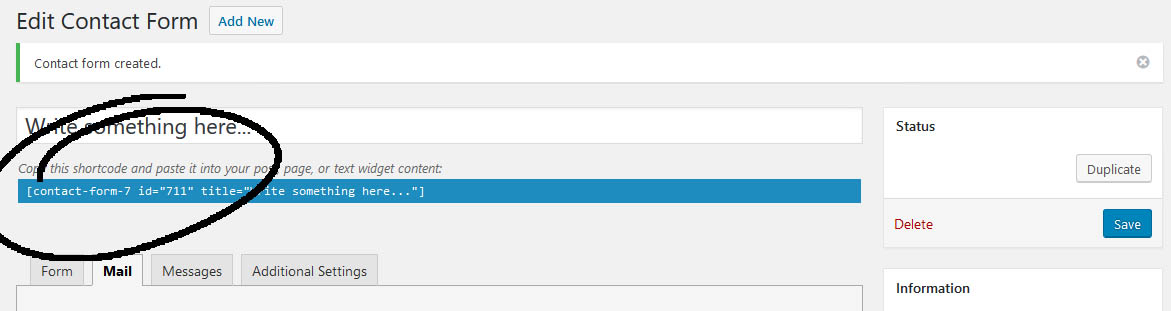
- Copy that code and go to Pages → Add New → Paste the shortcode → Click Publish.